This week “Abstracts” have surfaced a couple of times. Once at the local photography club meeting and again with the challenge group “52 Frames”.
Well I always enjoy a good creative session on Corel Draw. To make an abstract you first have to have some idea where you will start. So I thought I would walk you through one such session I did recently.
Understanding what abstract means is a good thing too.
abstract – adjective (ART) – used to refer to a type of painting, drawing, or sculpture that uses shapes, lines, and colour in a way that does not try to represent the appearance of people or things: abstract art or an abstract painter.
Then it’s your own interpretation of that definition. So the first step is to take images that you can work with.
The one word challenge this month at the photo club that I belong to is “Geo-technical”. I tried to represent that by the first image.
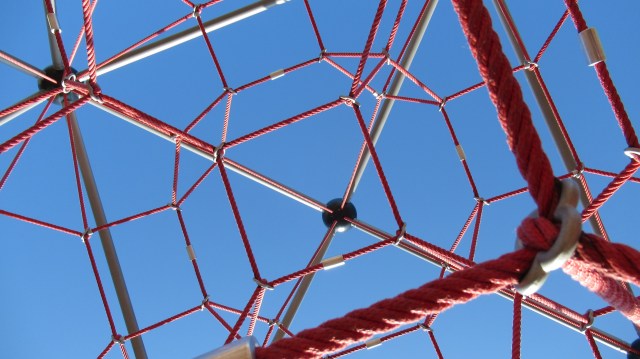
Now that I have this image, can I make it better or less identifiable? Using a kaleidoscope setting in Corel I manipulate it to the next image.

Now the image is good but to busy so I crop it down to the center of the image.

From there I want to ad something more. I go looking for something else to add and find a tree that I shot the day I shot the first image at the park.
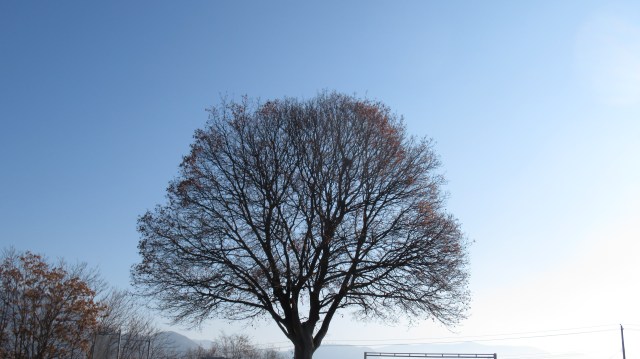
Next I combine the two into one image.
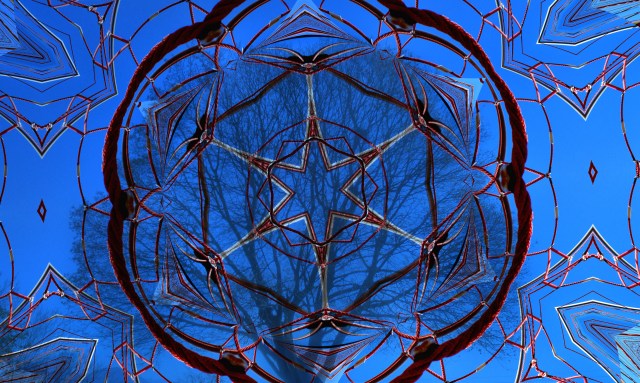
That still needs something. So I created a mask over the tree and design to allow a mosaic effect to only be applied to the out edges.
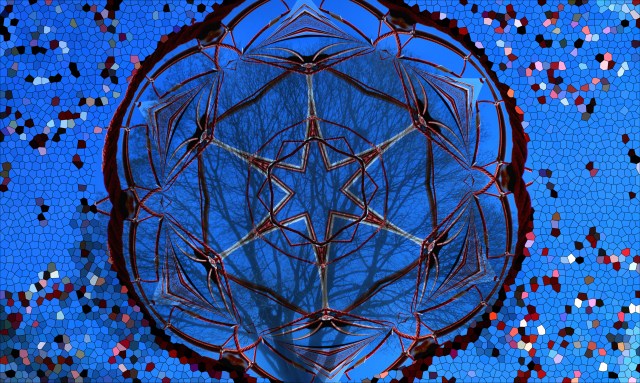
Then I used a depth-of-field effect to soften the mosaic spots.

The last thing I did was to put a dark vignette around the whole image.
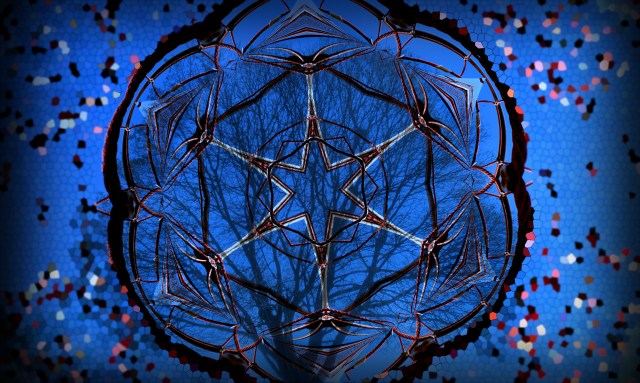
The final image is now something that is an Abstract with just a hint of reality to it.
I hope you enjoy this short demo and drop back to see what next comes out of a creative mind.

 Studio eh Design